
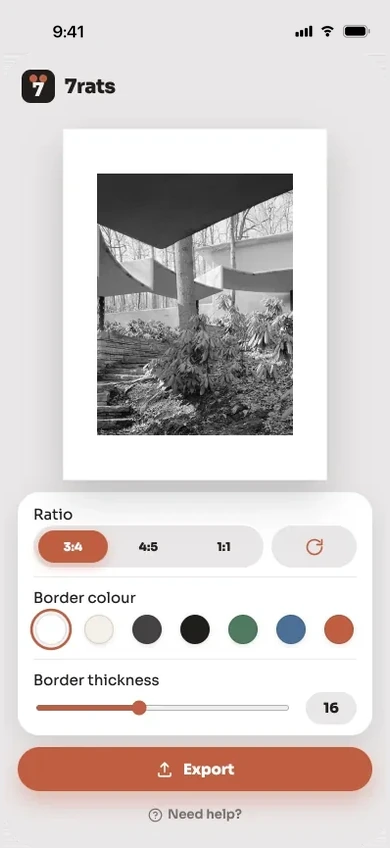
Portrait, no crop
Your whole photo sits on the canvas untouched, with a clean border filling whatever space is left over.
Runs entirely on your device
7rats puts any photo on an Instagram-ready canvas with a clean border, so the feed shows the frame you shot instead of a crop of it.
Free to use. $4.99 to remove ads.
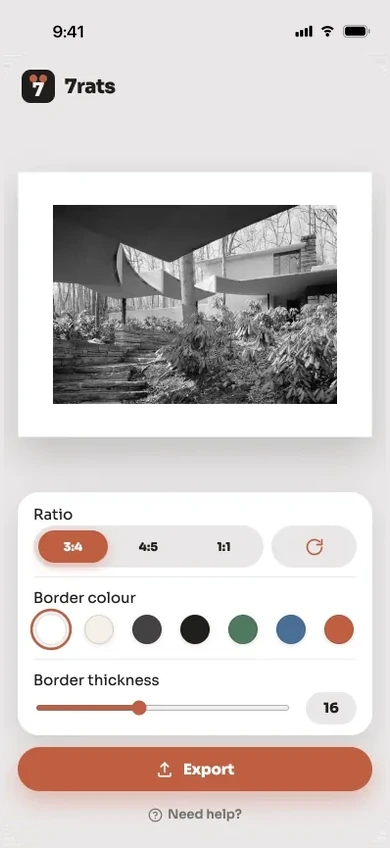
Three taps and you're done: choose the fit, choose a border, export at full quality. Nothing ever leaves your device.
Your whole photo sits on the canvas untouched, with a clean border filling whatever space is left over.
The canvas orients itself to the shot, so a wide photo gets a wide frame instead of an awkward tall one.
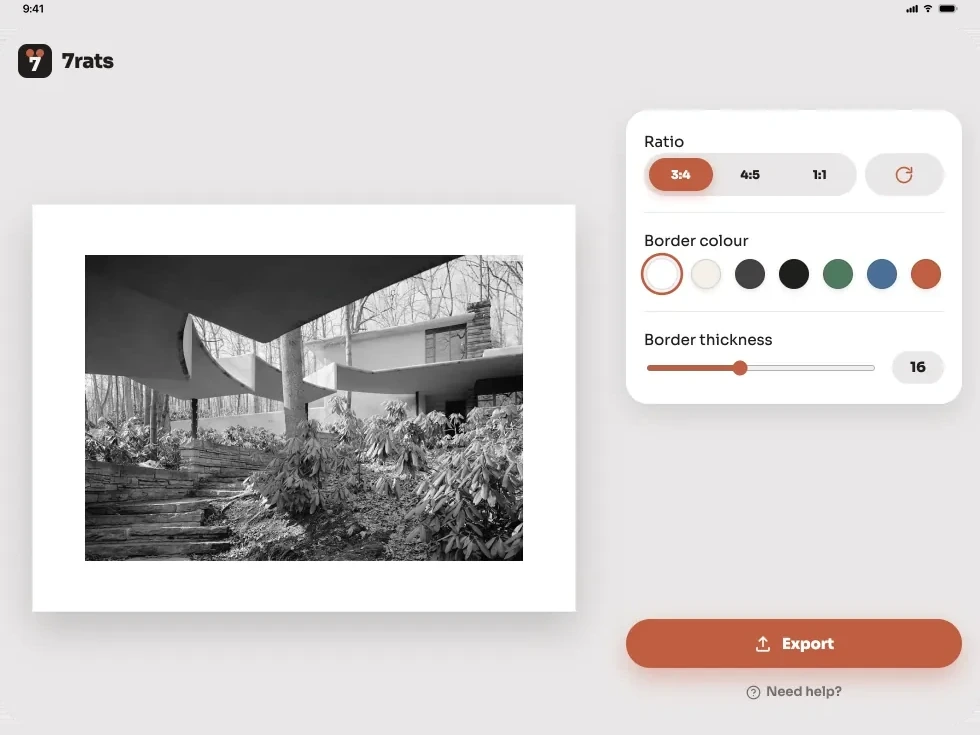
The same editor, laid out for the bigger screen: your photo on the left, every control in a rail on the right.
Open the photo in 7rats, pick an Instagram ready ratio such as 4:5, 1:1 or 3:4, and the app builds a canvas at that ratio around your full frame, filling the leftover space with a border color you choose. Export to Photos at full resolution and post it from Instagram as usual. The feed shows the whole image, because it is already the right shape.
No. It builds the canvas around your photo at its native resolution and adds a solid border, so the color profile and orientation stay exactly as they were.
Square (1:1), portrait (4:5) and 3:4, the ratios the feed shows without trimming. The canvas also orients itself to the shot, so a wide photo gets a wide frame instead of an awkward tall one. If you are not sure which to pick, we walk through which Instagram ratio to use on the support page.
It saves a full resolution file to Photos and opens the share sheet, where Instagram shows up if it is installed. No third party app can post to the feed directly.
It hides the single banner ad in the free editor. The ad is never added to your exported image, it only appears inside the app. Changed device or reinstalled? Here is how to restore the ad-free purchase.
Yes. Everything happens on your device. There are no accounts and no uploads, and the only network access is the ad, which you can remove.
7rats works with iPhone and iPad running iOS 18.4 onwards. On iPad the editor lays out with your photo on the left and every control in a rail on the right. The App Store listing shows the current minimum software version.
Questions, bugs, or ideas for the app? We usually reply within two business days.